
Start with a scan
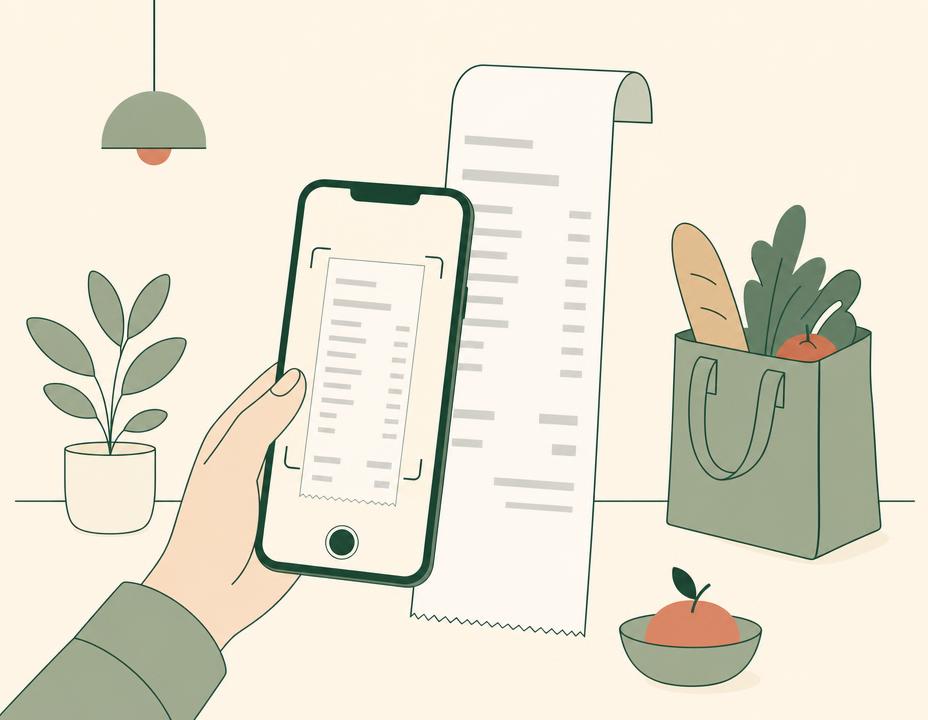
Capture a grocery receipt to begin keeping what you bought together in one place.
Loading this video connects to Instagram.
How it works
EverCycle’s intended product direction brings receipt capture, a virtual pantry and use-first reminders into one simple household flow. A design prototype has been developed and tested with people.
Design-prototype walkthroughs
These walkthroughs show the intended flow from capturing a grocery receipt to seeing what in a virtual pantry needs attention next.
Capture a grocery receipt to begin keeping what you bought together in one place.
Loading this video connects to Instagram.
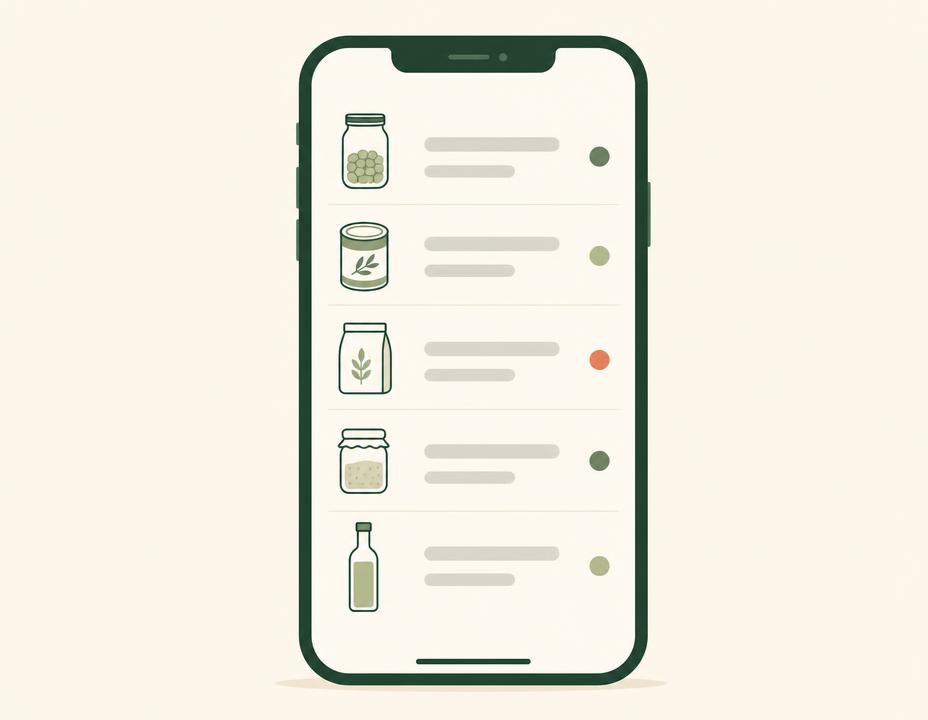
View groceries in a virtual pantry and bring items marked ‘Use soon’ into focus.
Loading this video connects to Instagram.
STEP 01
Capture a grocery receipt as a starting point for the items that came home. The product is designed to reduce setup effort while leaving room to review and adjust information.
STEP 02
See groceries together in a virtual pantry. A use-first view is intended to make items that need attention easier to spot.
STEP 03
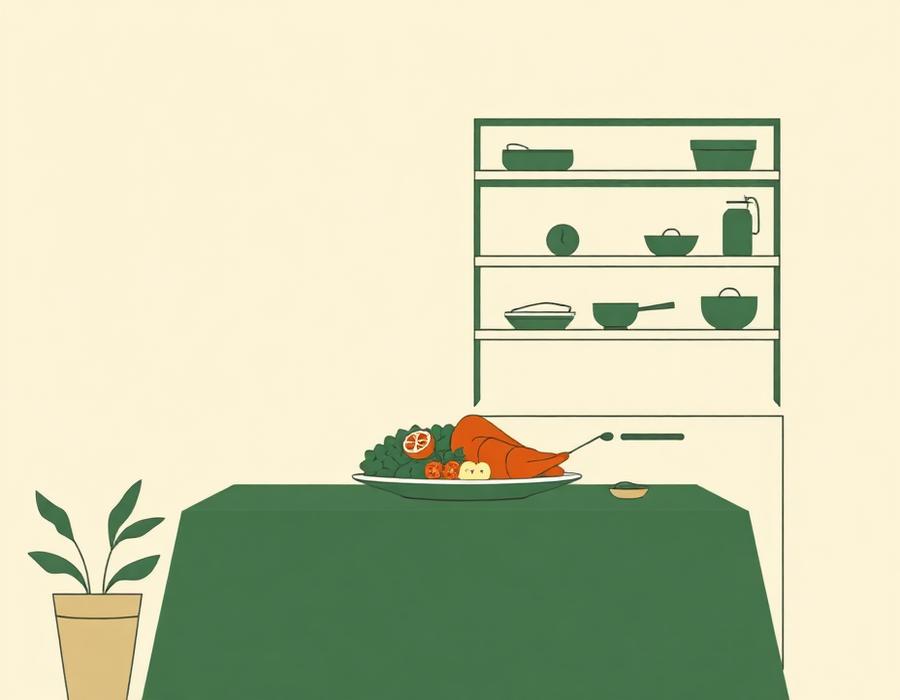
Use reminders as a prompt when choosing what to eat, so forgotten groceries are easier to bring back into the decision.
More from EverCycle
See the EverCycle video and the thinking behind the design prototype.
Current availability
The working web pilot stores your pantry data in this browser using local storage. There is no account or cross-device sync. Native iOS is still in development, with no TestFlight link, public native app-store release or announced launch date.
Join the waitlist for testing updates and early-access opportunities as EverCycle develops.